ShipsBy Cruise Frog Editorial
Carnival offers phone service at sea through maritime roaming partners. Calls, texts and mobile data on that network are governed by the arrangement with your mobile carrier. Buying an onboard Wi-Fi package does not settle the separate cellular roaming bill.
Carnival's guidance recommends airplane mode for travelers who want to avoid that cellular connection. You can then enable Wi-Fi for the ship connection you intend to use. Decide how the phone will connect before it chooses a network for you, and check your carrier's actual cruise coverage rather than assuming a land-based roaming plan applies offshore.
Identify the connection before using the phone
Your device may have more than one route to a service. A familiar messaging app does not tell you whether the data is passing through paid ship Wi-Fi or a cellular network. Check the settings and current connection when the cost matters. The name of the app is not the name of the bill.
Ask your carrier about the ship and voyage you will take. Record whether any package covers calls, texts or data, along with its limits and price. Do not treat a plan described for a destination country as evidence that it includes the maritime network between countries.
Our Carnival Cruise Line directory and Carnival Radiance page keep the ship side in view. The recent Radiance dry-dock story gives separate ship context, not proof of your phone plan's coverage.
Prepare messages and documents before departure
Tell people at home how you expect to stay in touch and when they should expect a reply. A simple routine can avoid buying extra connectivity just because a delayed response causes confusion. Keep the ship's official emergency contact information available for the situation in which it is needed.
Save boarding information and shore meeting details for offline use. A screenshot can preserve practical instructions, but check whether the boarding process needs a live barcode or another document. Our boarding-bag guide helps keep the phone, documents and other first-afternoon items with you.
Compare Wi-Fi for the tasks you actually need
Price the package available in your own reservation. Decide whether you need to message people ashore, check a website or stream entertainment. Downloading suitable content before travel can reduce the need for live access. A package should serve the plan, rather than create a reason to watch a screen at sea.
Our onboard-app versus internet guide explains a related distinction on Royal Caribbean. The Carnival charging-kit guide covers the equipment side. Keep each line's rules separate, including any app features available through its internal network.
Make another connection decision in port
When you go ashore, check the local network and your carrier's destination terms before turning cellular data back on. The ship connection and a land network are different services. Do not leave the phone's settings to carry an assumption from one place to the next.
Use the port directory for shore context and Lounge Frog’s airport directory for the flight afterward. Points Frog’s program pages can help with a hotel stop if one is part of the trip.
A practical phone plan is deliberate: know which network you will use, what it costs and what you need to do when moving ashore. That is more useful than discovering the distinction between cellular roaming and Wi-Fi on the bill after the cruise.
Sources and date checked
Checked October 14, 2026. Carnival’s official cellular-service guidance.
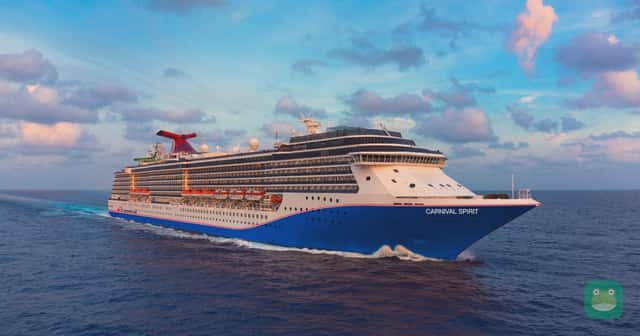
Photo: Carnival Spirit; representative Carnival ship photograph for this cellular roaming guide · Carnival Cruise Line